
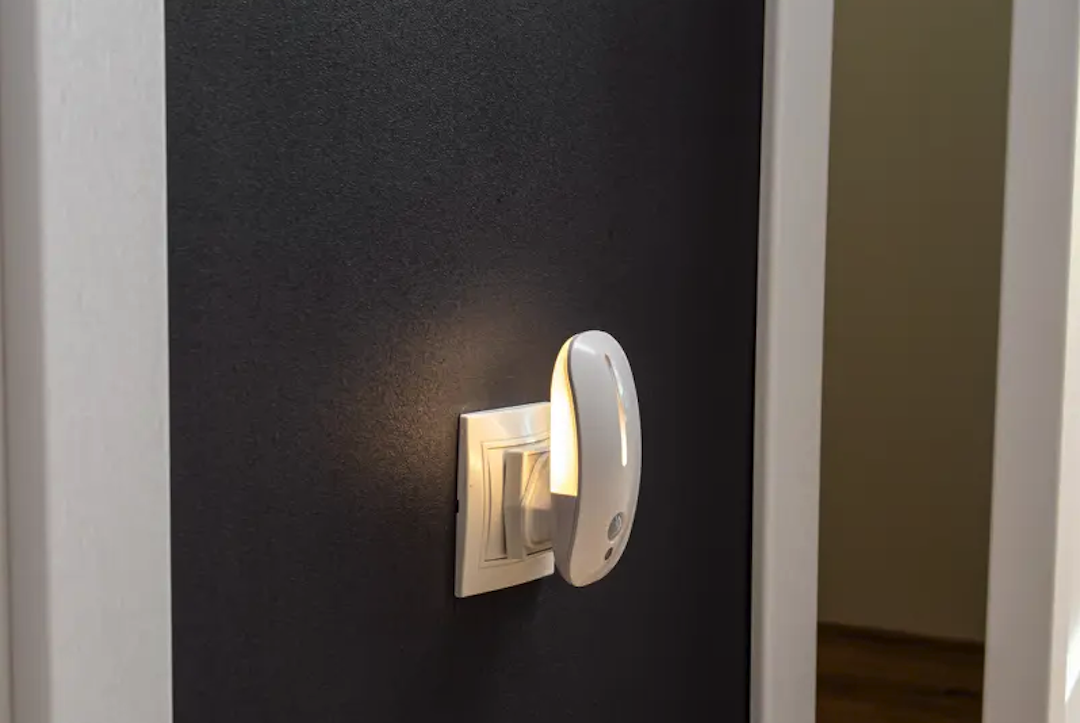
When it comes to making your entryway safer and more convenient, a motion sensor wall light is a pretty straightforward and effective solution. These lights automatically illuminate when they detect movement, providing immediate visibility and acting as a deterrent to unwelcome visitors. They’re a practical upgrade for any home, offering a blend of security and ease of use without much fuss.
Let’s face it, fumbling for keys in the dark or worrying about who might be lurking in dimly lit corners isn’t anyone’s idea of a good time. A motion sensor light Buyance addresses these common issues directly.
Instant Illumination for Safe Passage
One of the most immediate benefits is simply being able to see. When you approach your door, the light comes on, making steps, pathways, and the lock tumbler clearly visible. This reduces the chance of trips, falls, or other accidents, especially in inclement weather or when carrying groceries.
Deterring Unwanted Guests
Criminals generally prefer to operate under the cover of darkness. A sudden, bright light shining on them is a strong deterrent. It signals that the area is being monitored and increases their risk of being seen, encouraging them to look for an easier target elsewhere.
Energy Efficiency Benefits
Unlike traditional outdoor lights that might be left on all night, motion sensor lights only activate when needed. This means they consume less energy, which can translate into a noticeable difference on your electricity bill over time.
Key Features to Look For
Not all motion sensor lights are created equal. Understanding the different features will help you pick one that best suits your needs.
Motion Detection Range and Angle
- Range: How far away can the sensor detect movement? A good range is important for larger entryways or if you want the light to come on as you approach from a distance. Typical ranges can vary from 10 to 70 feet.
- Angle: How wide is the area the sensor covers? A wider angle (e.g., 180 or 270 degrees) offers broader coverage, reducing blind spots. Some advanced models offer 360-degree detection if mounted appropriately.
Adjustable Sensitivity
This feature allows you to fine-tune how easily the sensor is triggered. If you have pets that frequently wander through your entryway, or if nearby trees often sway in the wind, you might want to decrease the sensitivity to avoid false alarms. Conversely, if you want the light to come on at the slightest movement, you can increase it.
Illumination Brightness and Color Temperature
- Lumens: This indicates how bright the light is. For an entryway, you’ll generally want something bright enough to illuminate the area effectively, perhaps between 800 and 1500 lumens, depending on the size of the space.
- Color Temperature (Kelvin): This affects the “feel” of the light. Lower Kelvin numbers (around 2700K-3000K) produce a warmer, yellowish light, while higher numbers (5000K-6000K) result in a cooler, bluer, more daylight-like illumination. For security, a brighter, cooler light can often be more effective for visibility.
Dusk-to-Dawn Sensor Integration
Many motion sensor lights also include a photocell that detects ambient light levels. This means the light will only activate with motion when it’s dark enough outside, preventing it from coming on unnecessarily during the day and saving energy.
Durability and Weather Resistance
Since these lights are for outdoor use, they need to withstand the elements. Look for an IP (Ingress Protection) rating. An IP44 rating offers protection against splashes of water, while IP65 offers protection against low-pressure water jets and dust, making it more suitable for exposed locations. Materials like aluminum or durable plastics are generally good choices.
Power Source Options
- Hardwired: These lights are connected directly to your home’s electrical system. They offer consistent power and are generally more powerful. Installation typically requires some electrical knowledge or a professional.
- Solar-Powered: These lights use a small solar panel to charge a battery during the day. They are easier to install as they don’t require wiring, but their performance can depend on sunlight availability and battery capacity. They are often less bright than hardwired options.
- Battery-Powered: These offer the most straightforward installation, as there’s no wiring or sun needed. However, you’ll need to replace or recharge batteries periodically, and their light output is often lower.
Installation Considerations

Getting your motion sensor light set up correctly is crucial for it to function as intended.
Choosing the Right Mounting Height
The optimal mounting height can impact the sensor’s effectiveness and the light’s coverage. Generally, mounting between 6 and 10 feet off the ground is recommended. Too low, and the sensor’s range might be limited; too high, and it might not detect subtle movements effectively.
Avoiding False Triggers
Placement is key here. Try to mount the light where the sensor won’t be constantly triggered by passing cars, waving tree branches, or neighborhood pets if you don’t want it to. Angling the sensor slightly downwards can help focus its detection zone.
Wiring (for Hardwired Models)
If you’re installing a hardwired model, ensure you have an existing electrical box in the desired location. If not, you’ll need to run new wiring, which is often best left to a qualified electrician, especially if you’re not comfortable with electrical work. Always turn off the power at the circuit breaker before beginning any electrical work.
Testing and Adjusting
After installation, take the time to test the light’s functionality. Walk through the detection zone at different angles and distances to ensure it triggers reliably. Adjust sensitivity and duration settings as needed to match your preferences.
Beyond the Basics: Advanced Features
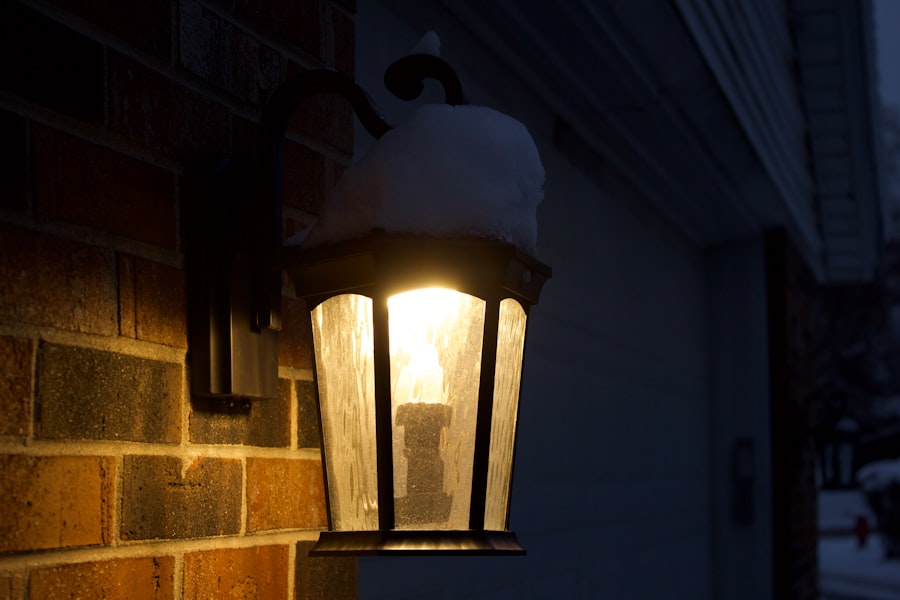
Some motion sensor lights offer additional functionalities that can further enhance your entryway.
Customizable Light Duration
This feature allows you to set how long the light stays on after motion is no longer detected. Options typically range from a few seconds to several minutes. This helps conserve energy while still providing adequate illumination.
Manual Override Option
Sometimes, you might want the light to stay on continuously, regardless of motion, for extended periods – perhaps when entertaining guests or working outside. A manual override feature, often controlled by a quick toggle of an indoor light switch, provides this flexibility.
Integrated Camera or Siren
For enhanced security, some premium motion sensor lights come with built-in cameras (often with two-way audio) or sirens. These transform a simple light into a more comprehensive security device, allowing you to monitor your entryway remotely or scare off intruders with an audible alarm.
Smart Home Integration
If you have a smart home system, some motion sensor lights can be integrated into it. This allows for control via a smartphone app, scheduling, linking with other smart devices (e.g., having indoor lights turn on when motion is detected outside), and receiving notifications.
Maintenance and Troubleshooting
| Feature | Description |
|---|---|
| Type | Motion sensor automatic wall light |
| Location | Entryway |
| Activation | Automatically turns on when motion is detected |
| Power Source | Battery operated or wired |
| Adjustable Settings | Customizable motion sensitivity and light duration |
While motion sensor lights are generally low-maintenance, a bit of attention can ensure they continue to perform optimally.
Keeping the Sensor Clean
Over time, dust, dirt, spiderwebs, or even bug nests can accumulate on the sensor lens, impeding its ability to detect motion accurately. Periodically wipe the sensor clean with a soft, damp cloth.
Checking Electrical Connections
For hardwired units, ensure electrical connections remain secure. Loose connections can lead to intermittent operation or failure. If you suspect an issue here, consult an electrician.
Battery Replacement (for Battery-Powered Units)
If you have a battery-powered light, pay attention to dimming or inconsistent operation as signs that the batteries might need replacing. For solar lights, ensure the solar panel is clean and free of obstructions to maximize charging efficiency.
Addressing False Triggers
If your light is constantly turning on unexpectedly, revisit its placement and sensitivity settings. Sometimes, a slight adjustment to the angle or a reduction in sensitivity can resolve the issue. Nearby heat sources (like vents or large reflective surfaces) can sometimes trigger PIR (Passive Infrared) sensors, so consider those possibilities.
Conclusion
Implementing a motion sensor wall light at your entryway isn’t about adding a fancy gadget; it’s about making a practical improvement to your home’s safety and convenience. By providing immediate light when needed, deterring potential issues, and utilizing energy efficiently, these lights offer a worthwhile upgrade. Considering the features, installation requirements, and ongoing maintenance will help you select and use a model that effectively serves its purpose, making your home a little bit safer and less prone to unwelcome surprises.